300+
A library, not a feed
Eighteen categories, ranked by the likes and views of the last seven days.
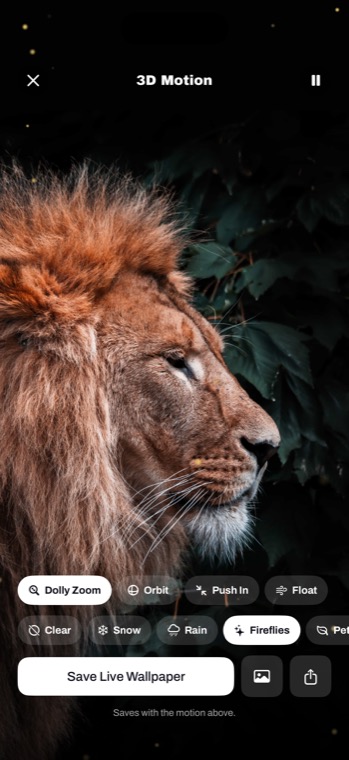
Any photo becomes a space you can move through, and a Live Wallpaper that plays the moment your iPhone wakes.
Free to browse · No account needed · iOS 17 for 3D
Three hundred wallpapers, every one of them someone's work. Nothing in the library came out of a generator.
Your iPhone works out how far away everything in the picture is, then lets the camera move. Touch it and the drift stops, so you can keep the exact angle you found.
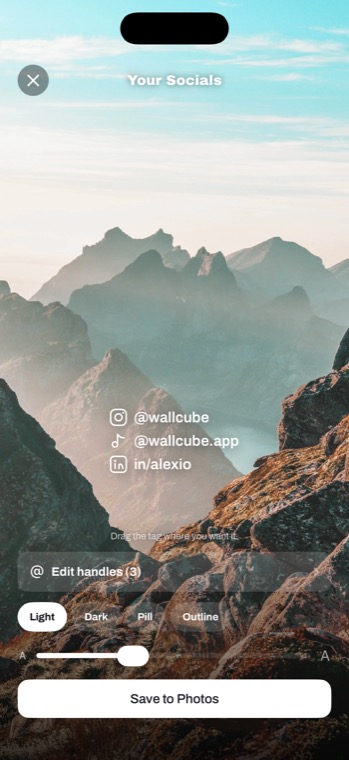
Pick a platform, type your name once, and drag it where it belongs. Four styles, any wallpaper, any photo of yours.
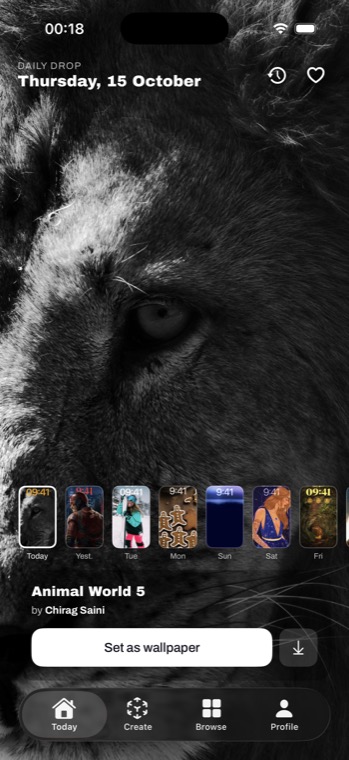
The same wallpaper for everyone each morning, with the fortnight before it a tap away. Underneath sits the whole library, sorted so you find one in seconds.
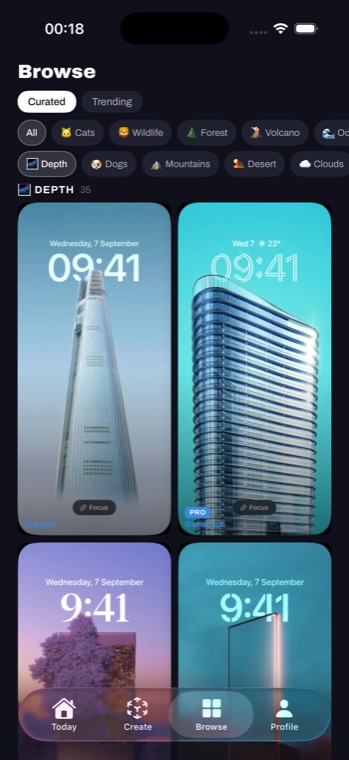
Eighteen categories, ranked by the likes and views of the last seven days.
Point the camera at a wall and 3D Room Poster hangs the picture there at its real size, so you can see how it looks before anything is printed. Photograph the room, and it is still hanging next time you open it.
Lift the subject out, drop a word behind it, or throw the background out of focus. On the phone, in a second.
Today's wallpaper and the artist behind it, on your Home and Lock Screen.
Every wallpaper in the app has a page on this site, with the photographer named. Look before you download.
A foldable unfolds into a different shape, and a wallpaper has to survive both. Here are the exact pixels for each screen, and pictures whose subject sits far enough from the edges to make it through the crop.
Available now on the App Store
